

FAQ
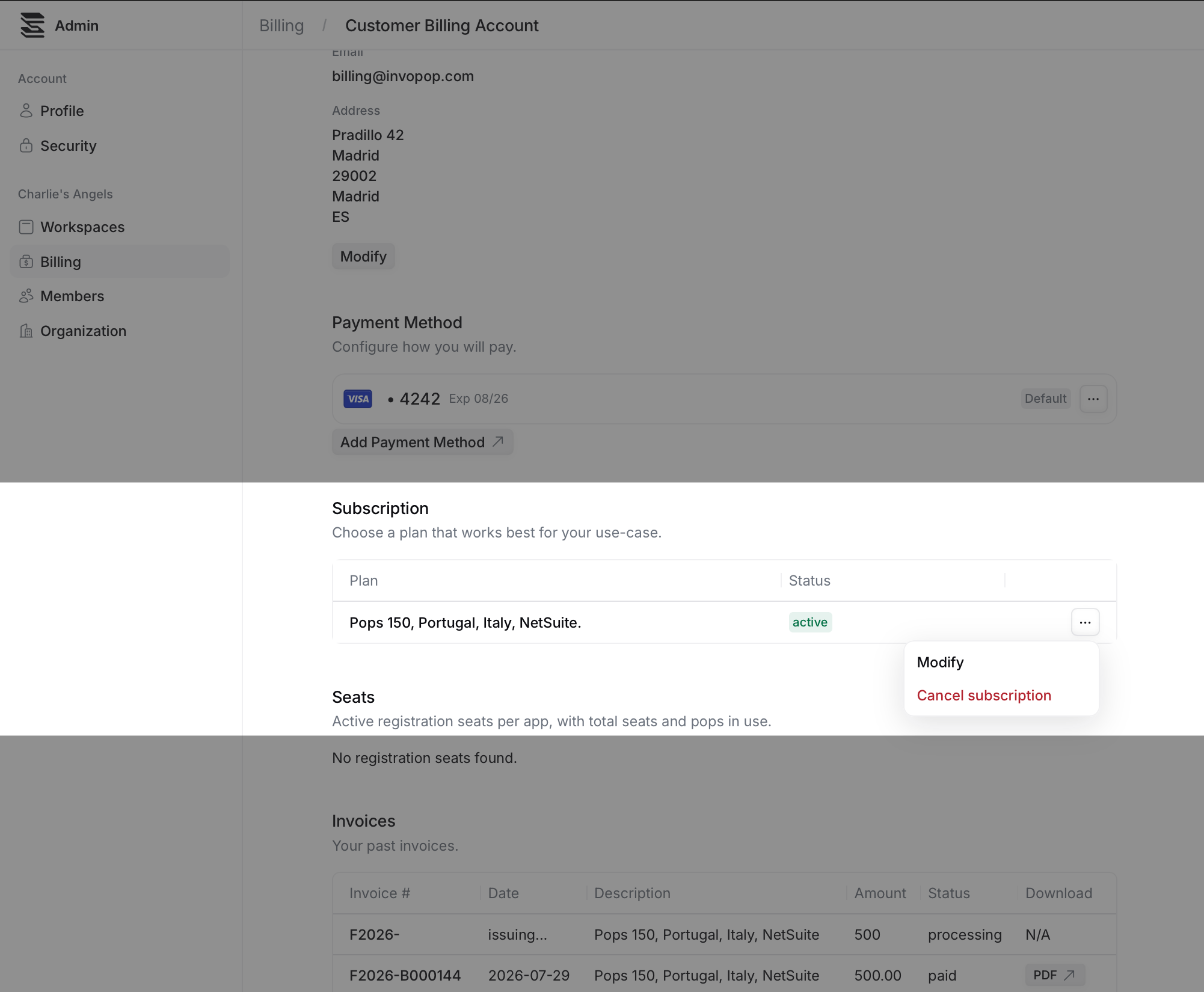
I can't see the Modify option. How can I change my subscription?
I can't see the Modify option. How can I change my subscription?
Get in touch with us at support@invopop.com, and we will modify it for you.
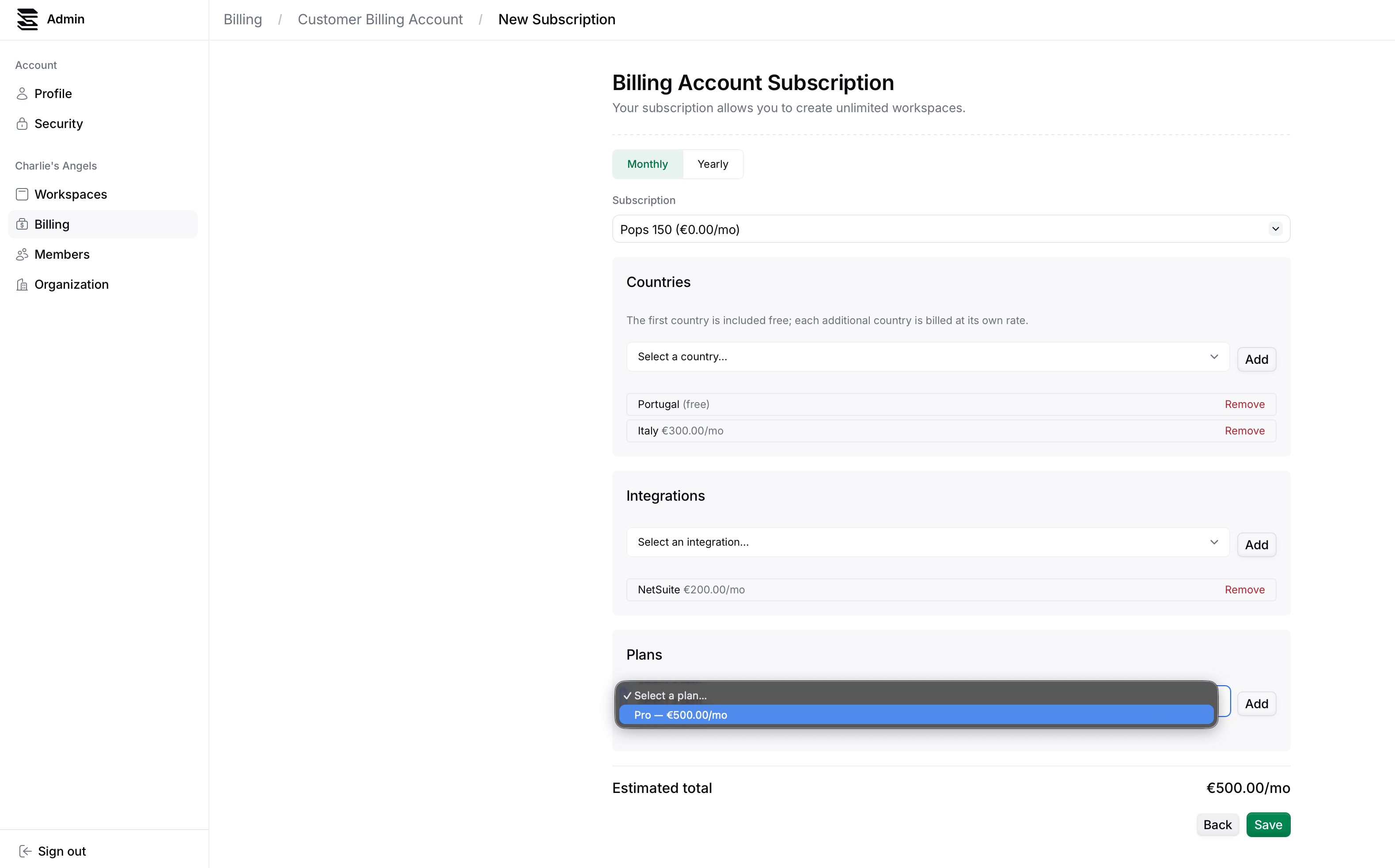
Modify or cancel your subscription to Invopop.
I can't see the Modify option. How can I change my subscription?